Music & Song IDs
Baddies song IDs and Boombox guide: how to play music with Roblox audio IDs, which genres fill servers, why IDs die, and how to control volume and mute players.
Introduction
The Boombox is one of the stranger items in Baddies: a Robux tool that plays Roblox audio IDs out loud on the map, turning a street fight into a shared listening session. It is a small feature that has grown into a genuine part of the game's culture, with certain genres becoming so associated with the game that hearing them is effectively a Baddies signal. This section covers how the Boombox works, how to find audio IDs that still play, which genres dominate servers, and how to handle the etiquette question that comes with being able to broadcast music at twenty-one other players.
Baddies Boombox and Song ID Reference
| Topic | What it involves | Best for | Notes |
|---|---|---|---|
| Boombox pass | 199 R$ tool that plays audio IDs on the map | Players who want music during sessions | Positional audio, so distance affects volume |
| Song ID basics | Numeric strings from the Roblox catalogue | Anyone queuing a track for the first time | Paste the ID into the boombox to play it |
| Jersey club | Fast, percussive club edits | The default Baddies soundtrack | Most requested genre in servers |
| Meme edits | Short loops built for comedy | Getting a reaction out of a lobby | Works best in short bursts |
| Dead IDs | Audio removed or moderated by Roblox | Nothing — these simply stop working | Always test before a long session |
Boombox Topics
How the Boombox Works
One tool, any working audio ID
Finding Working Song IDs
Testing beats trusting a list
Genres That Fill Servers
What the community actually queues
Boombox Etiquette
Broadcasting to twenty-one people
Dead Song IDs
The reason published ID lists go stale
Core Mechanics
The Boombox runs on one very simple mechanic: you own the tool, you paste a working Roblox audio ID, and the game plays that audio out loud on the map. There is no playlist, no library and no queue, which means the interesting decisions are about what to play rather than how to operate anything. The sound is positional, so it behaves like a real object in the world: players hear it louder as they approach and quieter as they walk away, and distance becomes a natural volume control without any menu. The only technical constraint is that Roblox moderates audio constantly, so an ID that worked last week can silently stop playing, which is why testing a track before a long session is the one habit that separates a smooth session from a broken one.
Advantages
The Boombox is a cheap pass at 199 R$, which makes it one of the most accessible social items in the store, and it does not affect combat at all, so it never creates a power gap between players. Because audio is positional, it also integrates naturally with the game's movement: walking away lowers the volume without muting anything, which means players self-regulate without menus or moderation. Testing an ID takes seconds, and the whole feature is easy to understand without a tutorial, which is rare for a Roblox tool of this kind. It also gives the game a shared culture that most brawlers lack, turning a lobby of strangers into something closer to a room with a soundtrack.
Challenges
The biggest practical problem with song IDs is that they die constantly. Roblox moderates audio aggressively, and there is no in-game warning when a track stops working, so players discover dead IDs at the worst possible moment. Static ID lists go stale within weeks, which makes any published list a starting point rather than a durable resource. The social side is also genuinely risky: broadcasting music to a full server invites attention, and in a game where being noticed makes you a target, the Boombox can end up working against its owner. There is no in-game search for audio either, so every ID has to come from an external source.
Frequently Asked Questions
How do I play music in Baddies?+
Why is my Baddies song ID not working?+
Is the Baddies Boombox worth 199 Robux?+
Quick Tips
Test a song ID before you rely on it. Roblox removes audio without notice, and a thirty-second check in a quiet server is far better than discovering a dead track in the middle of a crowded fight. Keep a shortlist of five tracks that still work, because rebuilding a playlist from scratch after every Roblox moderation sweep gets old quickly.
Keep your tracks short. A brief loop that ends before it wears out its welcome gets a better reaction in a full lobby than a full song played at twenty-one people who did not ask for it. Turning your own boombox volume down is usually more effective than asking a stranger to stop, and it avoids starting a fight you did not want.
Use the mute and audio settings rather than server hopping. If somebody else's boombox is bothering you, the options already exist in-game, and switching servers rarely solves the underlying problem. If a track plays for you but not for others, the asset is likely restricted rather than removed, so try a different upload of the same song.
Featured
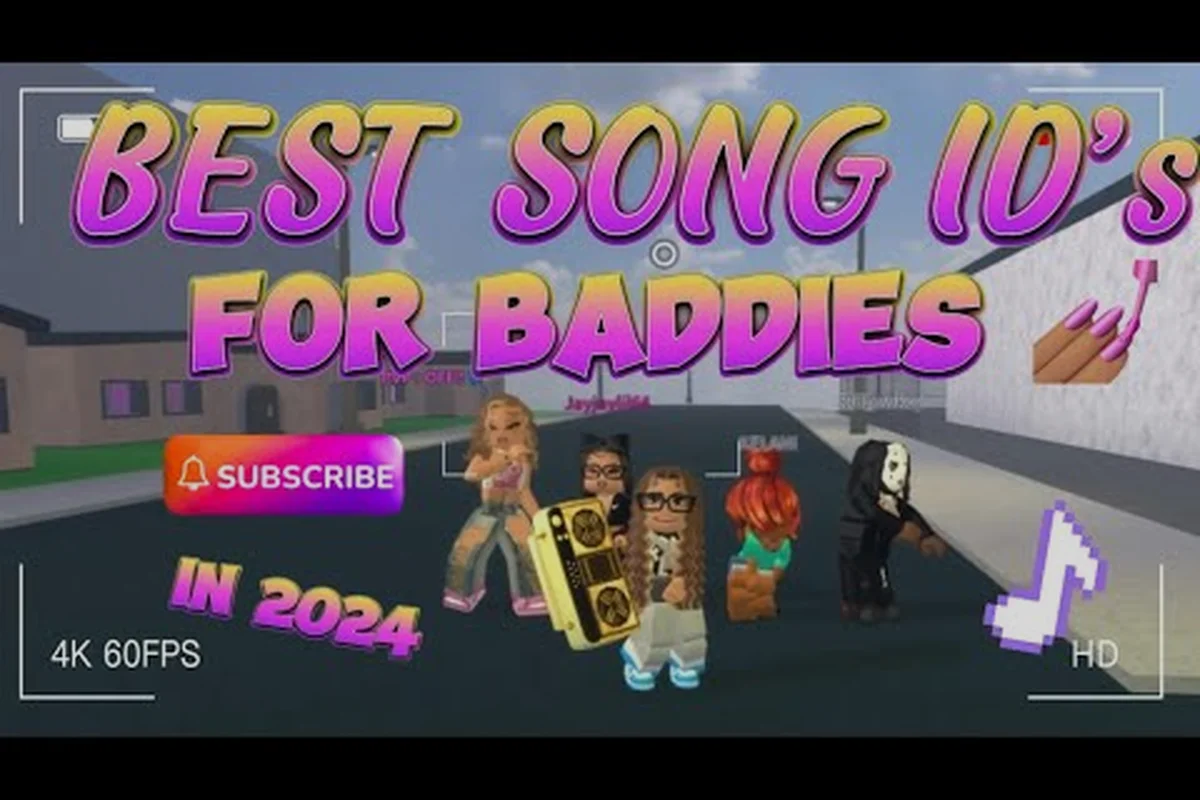
Baddies Phonk Song IDs: Best Phonk Beats, Mute Tips, and Playlist
Drop the heaviest Baddies phonk song IDs into your boombox — find gaming beats, mute annoying players, and build a nonstop phonk playlist for every Roblox lobby.
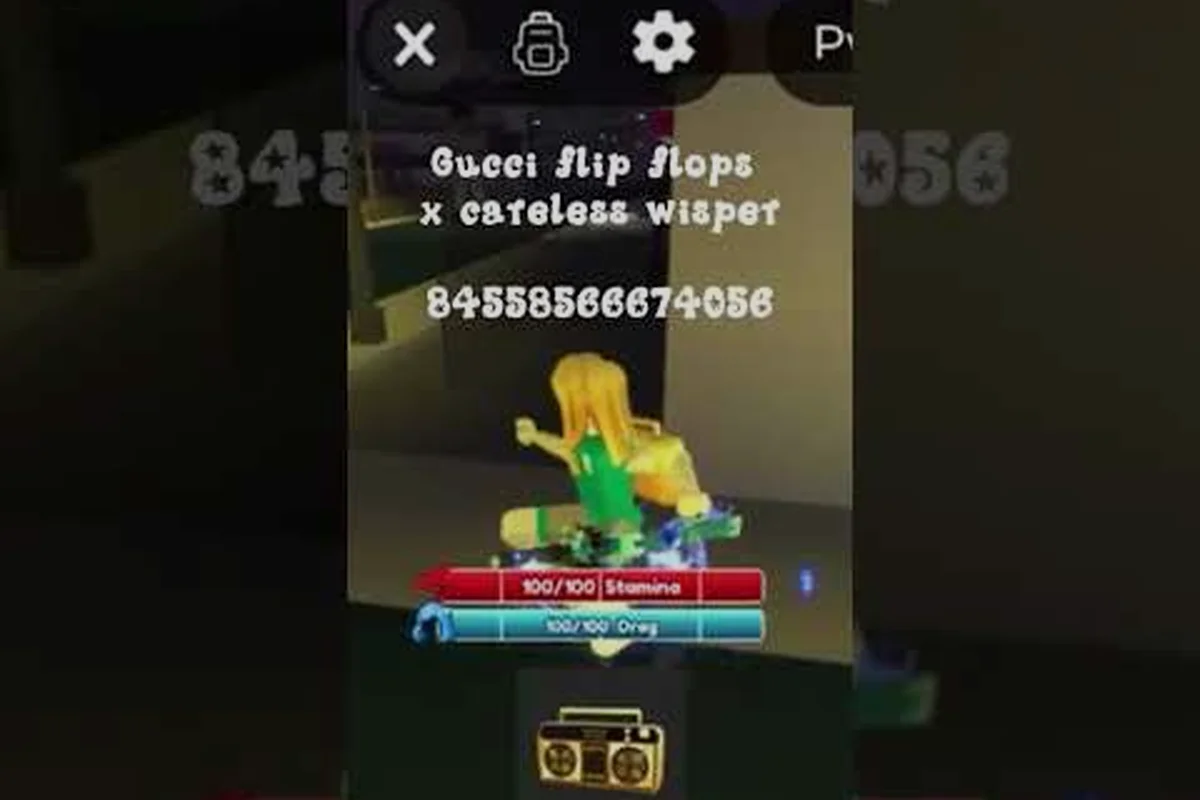
Baddies Song IDs: Best Boombox Tracks and Working Audio Codes
Queue the best Baddies song IDs on your boombox — verified Jersey club, meme, and trending audio codes that play without moderation in 2026.
Baddies Hype Songs: Best Tracks, TikTok IDs, and Rap Hits
Queue the hardest Baddies hype songs for every brawl — rap, hip hop, and TikTok trending audio IDs that keep your energy high and opponents rattled.
All Articles
Baddies Song IDs 2026: Freshest Tracks and Gamepass Worth It
Browse the freshest Baddies song IDs 2026, judge whether the boombox gamepass is worth buying, and learn to swap or mute in-game music anytime.
Baddies Boombox Volume: Fix Quiet Audio and Loop Tracks
Fix Baddies boombox volume fast — learn why tracks play quiet, how to mute loud players, loop your favorite songs, and revive dead audio IDs mid-fight.
Baddies How to Use Boombox: Paste IDs, Queue Tracks, Play Music
Master Baddies how to use boombox: paste any Roblox audio ID, queue tracks, and flood the map with Jersey club hits in seconds.