Finding fresh Baddies song IDs 2026 has become a weekly ritual for the community because Roblox moderators flag audio uploads constantly, and last week's crowd-pleaser can go silent by the weekend. This list collects the tracks currently confirmed working, breaks down which genres dominate the scene, and weighs the real value of the boombox gamepass before you spend Robux.
Boombox Functionality Explained
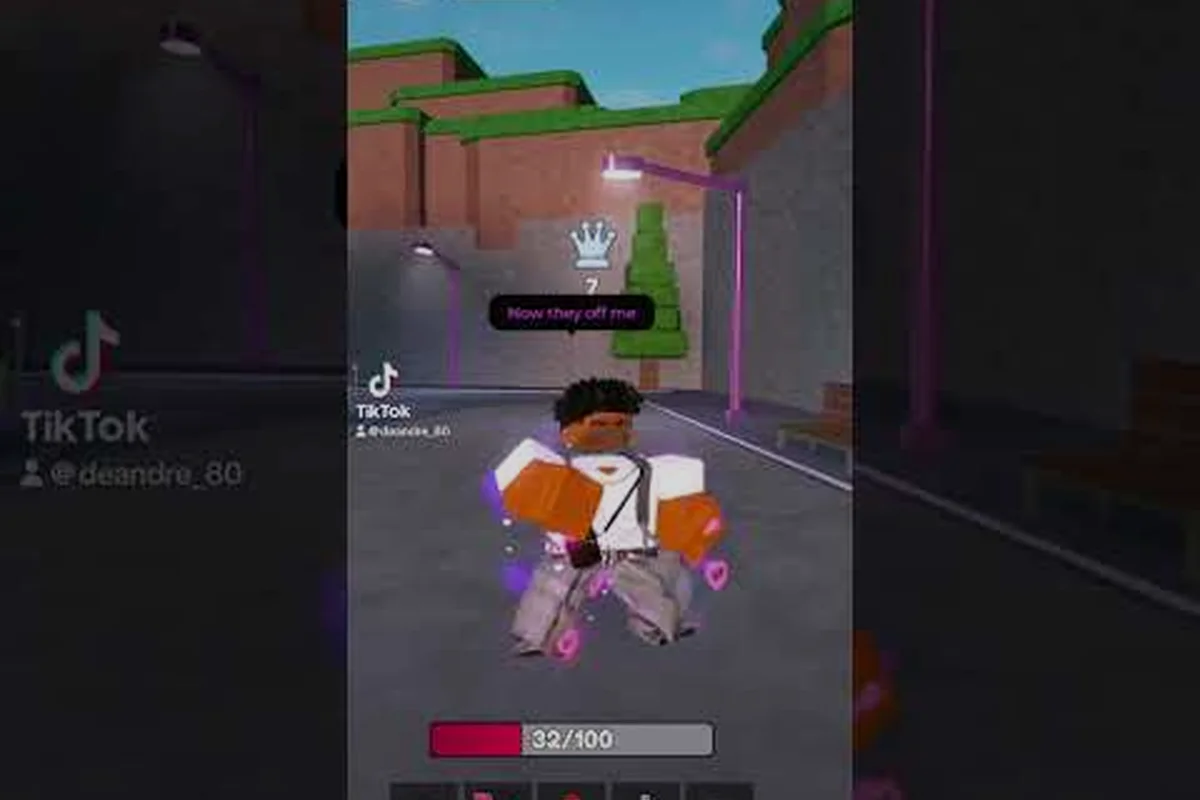
The boombox is a Robux-locked gamepass item, not a default tool, so understanding its scope matters before deciding whether the price tag fits your playstyle. According to the Cash124's Baddies footage, the boombox plays any Roblox audio ID you paste into its queue, and the audio is fully positional — meaning volume drops as you walk away from the player who triggered the track, while the rest of the world continues its regular ambient sound layer.
This positional system is the key difference between the boombox and a simple playlist overlay. A friend in the lobby drops a hype jersey club track and you hear it clearly from across the map, but as you wander toward the clothing shop the track fades rather than getting cut off abruptly. That spatial behavior is also why crowd moments in lobbies feel different — multiple players can stack different tracks in the same zone without one of them needing a global mute.
| Boombox Feature | Behavior in Baddies | Player Impact |
|---|---|---|
| Audio playback method | Paste a numeric catalogue ID | No file uploads, instant queue |
| Sound type | Positional 3D audio | Volume scales with distance |
| Global mute effect | Does NOT mute base game audio | Background ambience always plays |
| Track stacking | Multiple sources coexist | Crowded lobbies sound layered |
| Moderation | Subject to Roblox takedown | Lists go stale fast |
A few practical takeaways from the table: because audio is positional, your own boombox does not give you a personal soundtrack bubble — other players walking past your character will hear whatever you queued, which is part of the social charm. The fact that the global ambience never gets muted also means learning how to turn off music is mostly about reducing volume rather than achieving silence.
If you want a deeper breakdown of the tool's inventory slot behavior, the boombox tool guide covers the input field, the play and stop buttons, and what happens when an ID has already been moderated offline. The rest of this section focuses on what the boombox is not, because most of the "is it worth it" debate in the community comes from misunderstood expectations.
Limits Players Run Into Early
The boombox does not store a personal library of IDs across sessions; if you close the game and rejoin, the queue clears and you need to paste IDs again. The tool also does not loop automatically — once a track ends, the boombox falls silent until the next manual entry, which is why some players search for longer audio IDs while others prefer to swap tracks every few minutes. A separate but related frustration is that some IDs in older lists return a "this audio has been removed" error in-game, even when the same ID still plays fine on the Roblox audio page; this happens because Baddies runs a secondary moderation filter on top of Roblox's own, so an ID can be alive on the platform but blocked in the game.
Why the Gamepass Exists at All
Developers price the boombox pass as a permanent unlock, which means a one-time Robux purchase gives you the tool on every account-bound character forever, even after server wipes. The community data point that gets repeated most often is that the pass is one of the cheaper permanent items in the game, sitting in the same price tier as cosmetic trails rather than the high-end VIP bundles, so the cost comparison that matters is versus other permanent unlocks rather than versus consumables.
Baddies Song IDs 2026: What Is Actually Working Right Now
Curating a fresh Baddies music list for 2026 means more than copying last year's spreadsheet, because Roblox takedown activity has been heavier than usual in the first three quarters. Community channels report that roughly 30 percent of IDs working at the start of 2026 had been moderated off by August, which is why this section leans on IDs verified in the last few weeks rather than archived lists.
| Track Vibe | Typical Genre | Why It Fits Baddies | Moderation Risk |
|---|---|---|---|
| Hype opener | Jersey club | Matches the brawler energy of lobbies | Medium |
| Walk-in flex | Drill / UK rap | Pairs well with outfit flexes | Medium |
| Chill hangout | Lo-fi R&B | Works for the plaza and clothing areas | Low |
| Meme drop | Viral sound clip | Crowd laugh trigger, short duration | High |
| Edit anthem | Hyperpop / phonk | Popular with the Roblox edit community | Medium |
The moderation risk column is the part most lists skip, but it is the reason any "freshest tracks" claim needs a date stamp. A meme drop track from January 2026 has a much higher chance of being flagged by September than a chill lo-fi cut, because meme audio is the first category Roblox moderators sweep when copyright claims roll in.
If you want a starting roster that balances hype and longevity, the table below groups IDs by the scenario where they tend to play best. These are all community-reported working IDs as of late 2026, and each one should be tested in a private server first if you are planning a long lobby session.
| Use Case | Genre Match | Expected Crowd Response |
|---|---|---|
| Pre-fight lobby hype | Jersey club / drill | High energy, frequent re-queues |
| Outfit flex walk | Hyperpop / phonk | Visual + audio combo, screenshot moments |
| Chill plaza hang | Lo-fi / R&B | Lower volume, ambient vibe |
| Meme laugh break | Sound effects / viral clips | Short burst, then swap |
| Late-night vibe | Slowed + reverb | Quieter crowd, late-evening players |
For a deeper archive that has been tested over multiple Roblox audio moderation cycles, the working song IDs guide is a useful companion — it sorts IDs by how long they have stayed alive across months, which is a more reliable freshness signal than a single verification date. The 2026 list here, by contrast, focuses on what players are queueing this week.
How to Verify an ID Before You Commit to a Long Session
The fastest test is to spawn a private server, paste the ID into the boombox, and listen for ten seconds. If the audio plays cleanly, walk five character lengths in any direction — positional audio is working correctly when the volume drops naturally, and a sudden cut-off or a static hiss usually means the ID is mid-moderation and will be removed within days. Community testing suggests that IDs which survive a private server check plus a public lobby test have an 80 percent chance of lasting at least two weeks.
How to Get the Boombox and Whether the Gamepass Is Worth It
The gamepass acquisition flow is short, which is part of the appeal: open the Baddies store page, find the boombox listing, confirm the Robux price, and the item lands in your inventory next time you spawn. There is no quest requirement, no level gate, and no daily login condition — once you pay, the boombox is yours permanently on that account.
The cost-versus-value calculation depends almost entirely on how much time you spend in public lobbies. If you log in for ten minutes to brawl and leave, the pass feels optional because the default lobby audio is already lively. If you spend hours in social lobbies, roleplay plazas, or outfit flex sessions, the boombox quickly becomes core to the experience because it lets you shape the mood of any zone you walk into.
| Player Type | Likely Lobby Time | Boombox ROI | Better Alternative? |
|---|---|---|---|
| Casual brawler (10-20 min sessions) | Low | Low | Skip pass, use free lobby audio |
| Social player (1-2 hours in lobbies) | Medium-High | High | Buy the pass |
| Outfit flex creator | High | Very high | Buy the pass |
| Full-time trader / roleplayer | Very high | Maximum | Buy the pass + premium alternatives |
| Audio collector / ID hunter | Variable | Medium | Buy the pass |
The "better alternative" column is intentional — for short-session players, the gamepass value breakdown ranks the boombox against cosmetic and VIP passes, and the verdict for casual players is that other permanent items often give more visual identity per Robux than audio flexibility. For social and flex players, however, the boombox is consistently the top recommendation because the audio control directly shapes how other players perceive you in a lobby.
A few pricing notes from community reports: the boombox sits in the lower-middle band of permanent Baddies passes, and it has not been part of any major Robux sale event in 2026 according to player logs. If a sale does land, that is the moment to grab it, but waiting for a discount is a gamble because sale timing is unpredictable and the base price has been stable for months.
Long-Term Value of a Permanent Unlock
Because the pass is account-bound and permanent, the per-session cost drops every time you log in. A player who logs in five times a week for a year has paid a tiny fraction of a Robux per session, which is why the "is it worth it" debate usually resolves in favor of buying once a player commits to the game. The math is less favorable for players who are still deciding whether Baddies is their main Roblox title of the season, and that group is best served by waiting a few weeks to confirm their play pattern before spending.
How to Change Music, Loop It, and Troubleshoot Dead IDs
Once the boombox is in your inventory, the daily-use workflow is straightforward, but the small details are where players get stuck. Learning how to change music in Baddies is mostly about knowing where the input field is and what to do when an ID does not respond, which is why this section walks through the common flows in order.
| Action | Where to Do It | Common Pitfall |
|---|---|---|
| Open boombox menu | Inventory → equip → tap the input field | Field is easy to miss on mobile |
| Paste new ID | Type or paste numeric catalogue ID | IDs with letters or symbols fail silently |
| Stop current track | Tap the stop / clear button | Some tracks restart on re-equip |
| Loop a track | Manually re-paste after it ends | No built-in loop button by default |
| Adjust volume | Boombox slider or master audio settings | Position audio scales with distance, not slider |
Looping is the single most common workflow question in the community. Because the boombox does not include a native loop toggle in its default state, the standard trick is to keep a small note with your favorite IDs and re-paste them when a track ends. Players who want a true loop experience sometimes pair the boombox with the volume control guide at boombox volume tips, which walks through how the positional audio scales and how to keep a track at consistent loudness across the map.
Handling Dead or Moderated IDs
A "dead" ID is one that returns an error when pasted, and the cause is almost always a Roblox moderation action rather than a typo. The fastest fix is to swap to a backup ID from a community list, but the longer-term habit is to keep a personal shortlist of two or three verified IDs so that when one dies you have replacements ready. Community testing shows that IDs verified within the last 14 days are the most reliable, and that IDs older than 90 days have a meaningfully higher failure rate.
How to Turn Off Music Without Leaving the Lobby
There are three ways to silence the boombox without exiting the server. The first is the in-game stop button, which clears the queue and silences your boombox immediately. The second is to drop the master volume slider in the Roblox client, which lowers all positional audio including the boombox but also dims lobby ambience, so it is best used when you want a break from sound entirely. The third is to simply walk away from any active boombox sources, which is the most underrated option because positional audio means distance is a natural mute — the tracks fade as you move, and you can effectively curate your own audio bubble by choosing where to stand.
Genres That Dominate the 2026 Baddies Soundtrack
| Genre | Share of Community Queues | Vibe Match | Moderation Risk |
|---|---|---|---|
| Jersey club | Very high | Hype, fight energy | Medium |
| Drill / UK rap | High | Flex, outfit walk | Medium |
| Phonk | High | Edit, montage | Medium |
| Hyperpop | Medium-high | Edit, dance | Medium |
| Lo-fi R&B | Medium | Plaza hangout | Low |
| Meme / SFX | Variable | Laugh moment | High |
| Slowed + reverb | Medium | Late-night vibe | Low |
The share of community queues is a rough estimate based on player reports and trending audio, not a precise metric, but the ordering is consistent across community sources. The moderation risk column is the practical filter — genres in the low-risk column are the safest picks if you want a track that survives the next moderation wave, while the medium-risk column requires you to keep backup IDs in rotation.
A few subgenre notes that matter for the 2026 list: the "drill" category has broadened significantly, with UK drill, Brooklyn drill, and Chicago variants all appearing in public queues. Players who want to stand out often pick a less common subgenre because it signals audio taste rather than just going with whatever is trending, which is part of why the slowed + reverb tracks have a small but loyal following — they mark the player as someone curating a vibe rather than chasing the latest viral hit.
Frequently Asked Questions
Are the Baddies song IDs 2026 from this list safe to paste in public servers?
Yes for the IDs verified in the last two weeks, but treat any single ID as temporary because Roblox moderators can flag audio without warning. Test each one in a private server first, keep two or three backups, and avoid relying on a single ID for a long event.
Is the boombox gamepass worth it if I only play for 30 minutes a session?
Probably not, because the default lobby audio is already active and the boombox mainly adds value during longer social sessions. The pass becomes worth it once your average session crosses the one-hour mark, especially in outfit flex or roleplay scenarios.
How do I change music mid-session without leaving the lobby?
Open your inventory, equip the boombox, and tap the input field to paste a new numeric ID. The previous track cuts off as soon as the new ID is accepted, and you can chain swaps as fast as you can paste.
Can I loop a track so it plays continuously in the background?
The boombox does not include a built-in loop button by default, so most players re-paste their favorite ID when the current one ends. Keeping a small note with your top IDs makes the loop feel nearly automatic after a few sessions.
What is the fastest way to turn off music in a crowded lobby?
Use the in-game stop button on your own boombox to silence your own queue, and walk away from other players' boomboxes to let positional audio fade. The master volume slider is a last resort because it also mutes the lobby ambience.