Troubleshooting
Fix common Baddies problems: items that will not equip, weapons lost after logging out, game passes that need a rejoin, lag in full servers and how to report bugs.
Introduction
Most Baddies problems fall into a small number of categories, and the majority of them are not bugs at all. Weapons that vanish after a session are the logout penalty working exactly as designed. A game pass that does nothing usually needs a full rejoin rather than a soft respawn. Items that will not equip are almost always a hotkey conflict rather than a broken inventory, and persistent lag is a server population problem rather than a graphics one. Sorting out which problems are mechanics and which are genuine faults saves a lot of frustration, so this section walks through the failures players search for most, what each one actually means, and the single step that fixes it in the overwhelming majority of cases.
Baddies Problem and Fix Table
| Problem | Likely cause | Fix | Notes |
|---|---|---|---|
| Items will not equip | Hotkey conflict or wrong slot | Open inventory and select the tool slot directly | Not a bug; the hotkey simply did not register |
| Weapons disappeared | Logged out at or below 30 HP | Rebuy; heal above the threshold before exiting next time | Designed penalty, not a fault |
| Game pass not applying | Inventory has not reloaded | Leave the server and rejoin fully | Several passes require a complete rejoin |
| Persistent lag | Server-side load, not your graphics | Switch to a lower-population server | Lowering settings rarely helps |
| Avatar resets | Edit not confirmed before the round ended | Finish and confirm the edit before the round ends | Unconfirmed changes are discarded silently |
| Controls unresponsive | Input not registering or mobile layout | Check the key bindings and the platform-specific controls | Mobile has a different layout to PC |
Common Problems Explained
Items Not Equipping
Almost always a hotkey issue
Lost Weapons After Logging Out
The 30 HP rule, not a bug
Game Passes Not Working
Rejoin fully, do not respawn
Lag and Server Choice
The problem is usually the server
Reporting Bugs and Getting Help
Where to take a real problem
Avatar Resets
Customization that silently reverts
Core Mechanics
Almost every Baddies problem resolves through one of three checks. First, confirm the item still exists in your inventory, because a weapon lost to the logout rule will not equip for the simple reason that it is genuinely gone rather than hidden. Second, rejoin the server completely, since several passes and settings only apply their effects when the game reloads your inventory and a soft respawn does not trigger that. Third, check whether the behaviour is a designed mechanic rather than a fault: the 30 HP wipe and pass rejoin requirements are both deliberate. Only after those three steps does a problem become something worth reporting to the developer's community group.
Advantages
The game's failure modes are unusually well documented for a Roblox title, because the community has spent years answering the same questions and the answers are consistent across servers. Most issues also have a single clean fix rather than a set of workarounds, which makes troubleshooting fast: rejoin fully, check the inventory, confirm the purchase completed. Performance problems are the exception that proves the rule, since they are genuinely about server population rather than anything on your side, and the fix is simply to choose a quieter lobby. That clarity means most problems cost minutes rather than a support round trip, and the underlying mechanics are simple enough that once you learn the two big ones you rarely get caught again.
Challenges
The most frustrating thing about Baddies troubleshooting is that the game itself explains almost none of it. Nothing in the interface tells you that logging out below 30 HP wipes your weapons, and nothing warns that a pass needs a full rejoin, so players lose gear and time to mechanics they were never taught. There is also no in-game support channel, which means problems route through a Roblox group rather than a ticketing system, and that is a slow path for anything genuinely broken. Persistent problems therefore tend to be solved by the community rather than the developer, and a player who does not read forums can stay stuck on a solved issue indefinitely.
Frequently Asked Questions
Why did I lose my weapons in Baddies?+
Why is my Baddies game pass not working?+
How do I fix lag in Baddies?+
Quick Tips
Try a full rejoin before reporting anything. Several Baddies passes and settings only apply their effects after the game reloads your inventory, and a respawn inside the same server is not enough to trigger that. Write down the exact sequence that caused a problem before you report it, because most reports get resolved simply by describing the steps clearly.
Check your health before logging out, every single time. The 30 HP rule is by far the most common cause of lost progress, and it is entirely preventable with one glance at your health bar before you leave. If two players in the same server hit the same issue at the same time, it is probably server-side rather than something wrong with your account.
Lower server population beats lower graphics settings. Baddies performance problems are almost always caused by lobby size rather than your machine, so changing servers fixes what adjusting settings simply cannot. Rule out the designed mechanics first, because the logout penalty and pass rejoin requirement account for the large majority of reported problems.
Featured
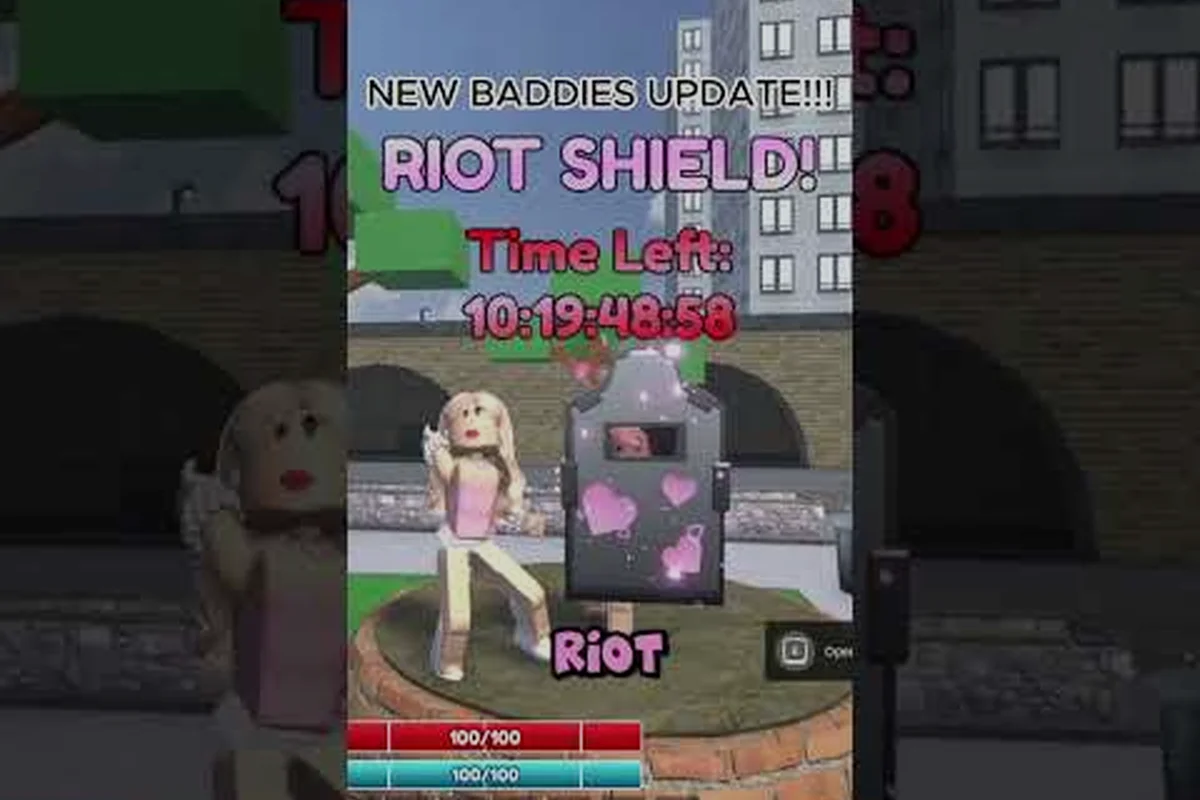
Baddies Error Codes: Fix Crashes, Disconnects, and 30 HP Logout
Decode every Baddies error codes message, stop random crashes and disconnects, and learn why the 30 HP logout glitch wipes your loadout between Roblox sessions.
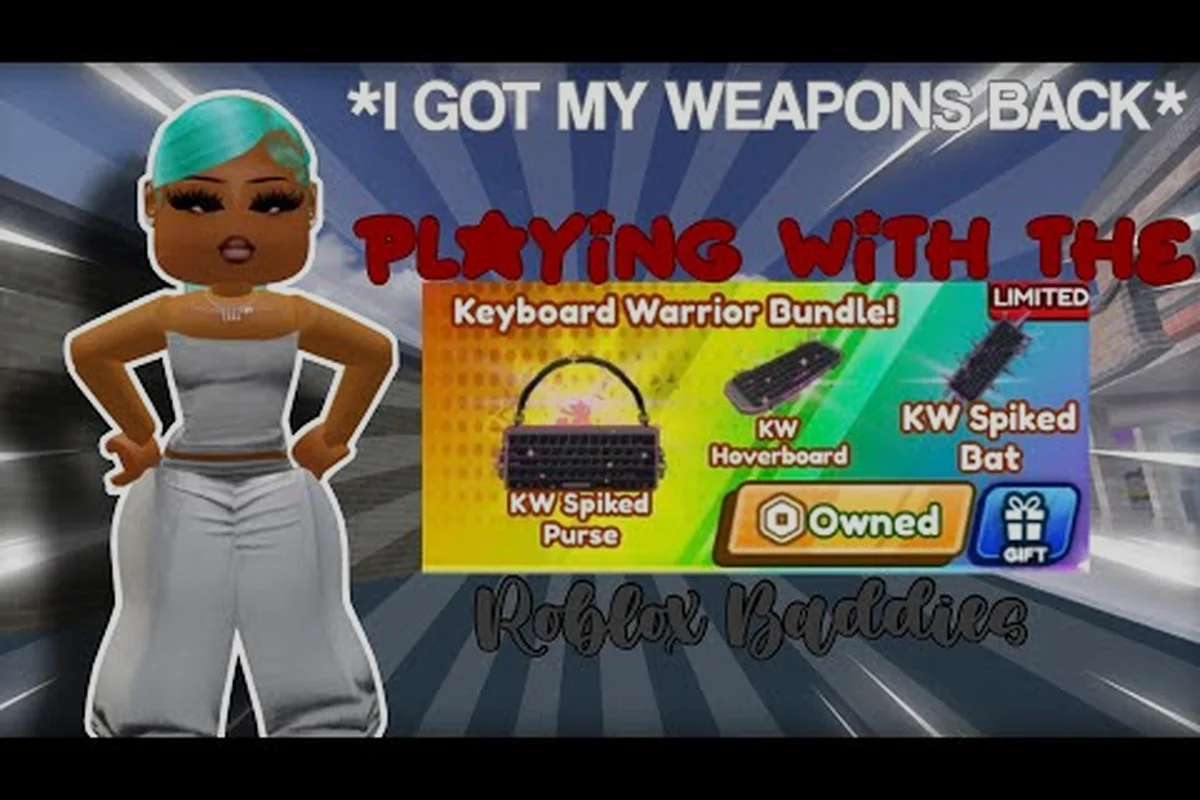
Baddies Keys Not Working: Rebind Controls and Fix Mobile Input
Solve Baddies keys not working on PC and mobile with quick rebind steps, input fixes, and contact tips for bug reports and ban appeals.
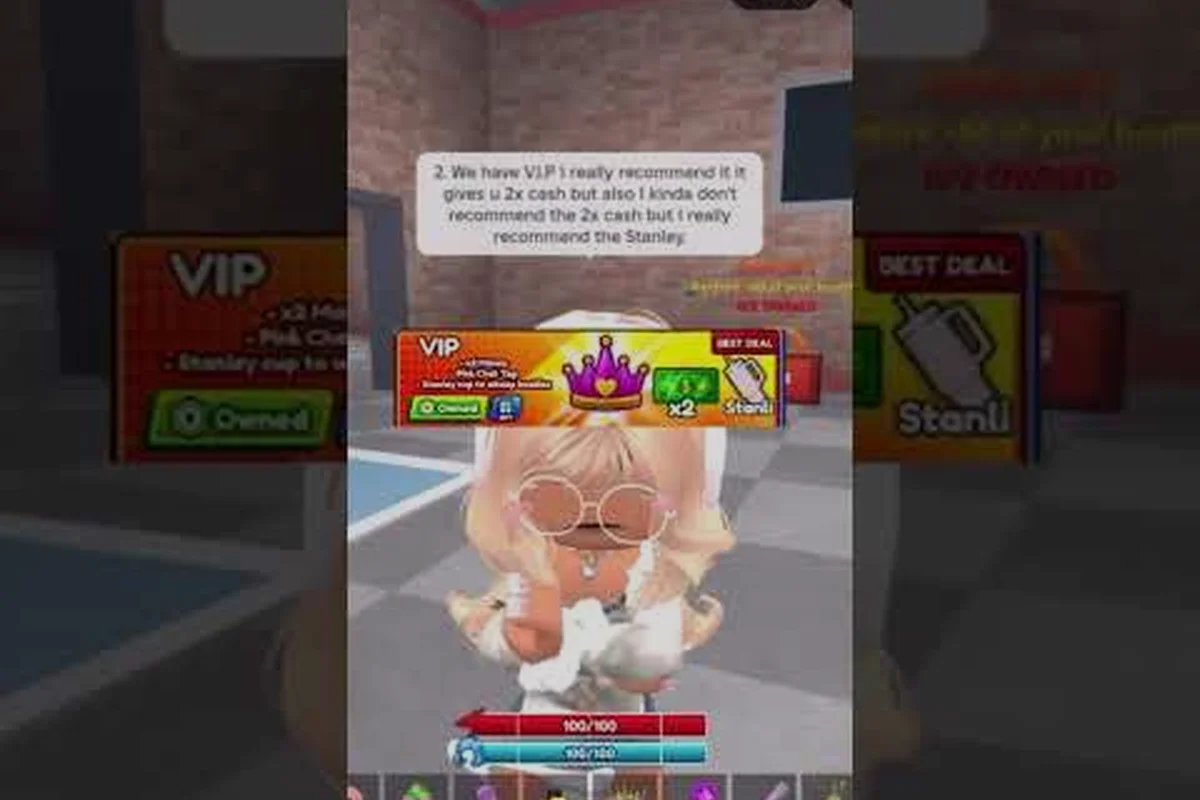
Baddies How to Appeal a Ban: Unban Steps and Voice Chat Fixes
Learn Baddies how to appeal a ban, restore voice chat access, and reach the developer team with a step-by-step unban workflow that actually works.
All Articles
Baddies How to Equip Items: Fix Missing Weapons and Lag Glitches
Solve Baddies how to equip items fast — recover weapons lost at 30 HP logouts, fix purchases that never showed up, and stop lag from blocking your loadout.
Baddies Private Server: Setup, Settings, and Sensitivity Fixes
Launch a Baddies private server, tune graphics and mouse sensitivity, and fix avatar resets so your crew plays on a clean custom Roblox map.
Baddies Low FPS: Fix Lag, Black Screens, and Join Errors
Fix Baddies low FPS, black screens, and join errors with proven PC and mobile tweaks that cut lag and stop random crashes in Roblox lobbies.